Credit card
Accepted in online bill and mobile flows. Confirm the card is enabled for internet transactions before you start, and that the limit clears the outstanding amount.
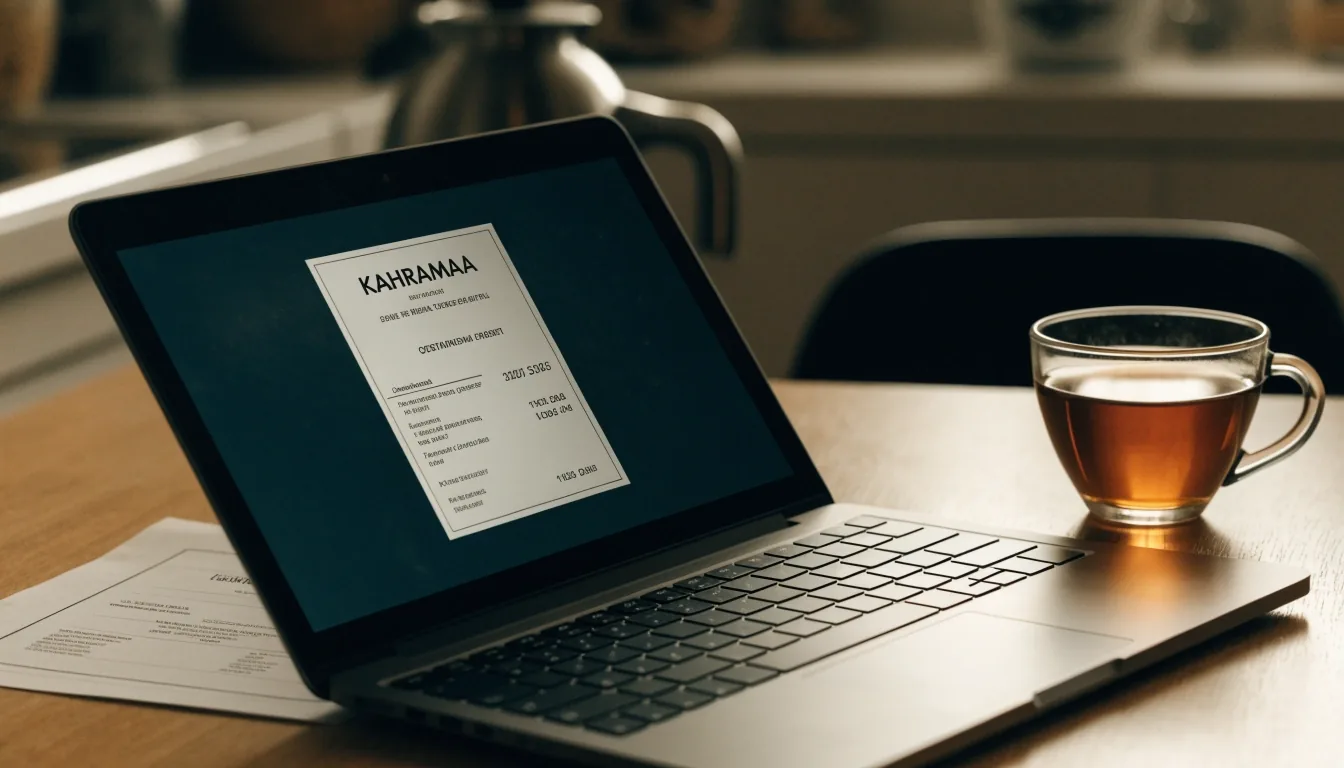
Kakhanma · Qatar bill guide
Electricity and water, checked against your reference number and electricity number, then settled before the due date. No account, no queue — just the numbers in your hand.
Step 01 — before you open anything
The whole page runs on two identifiers: your electricity number and your reference number. Both are printed on a previous consumption bill — the same one you would have received at the apartment. Open the last PDF, or lift the paper copy, and copy them exactly.
Numbers on a KAHRAMAA bill tend to be long. One swapped digit is enough to return no result at all, or worse, to open an account that is not yours. The safe move is to copy, not to retype from memory. Keep the account name and the sector type (residential, commercial, or industrial) in view as well — the bill view asks you to confirm they match the premises before it shows anything.
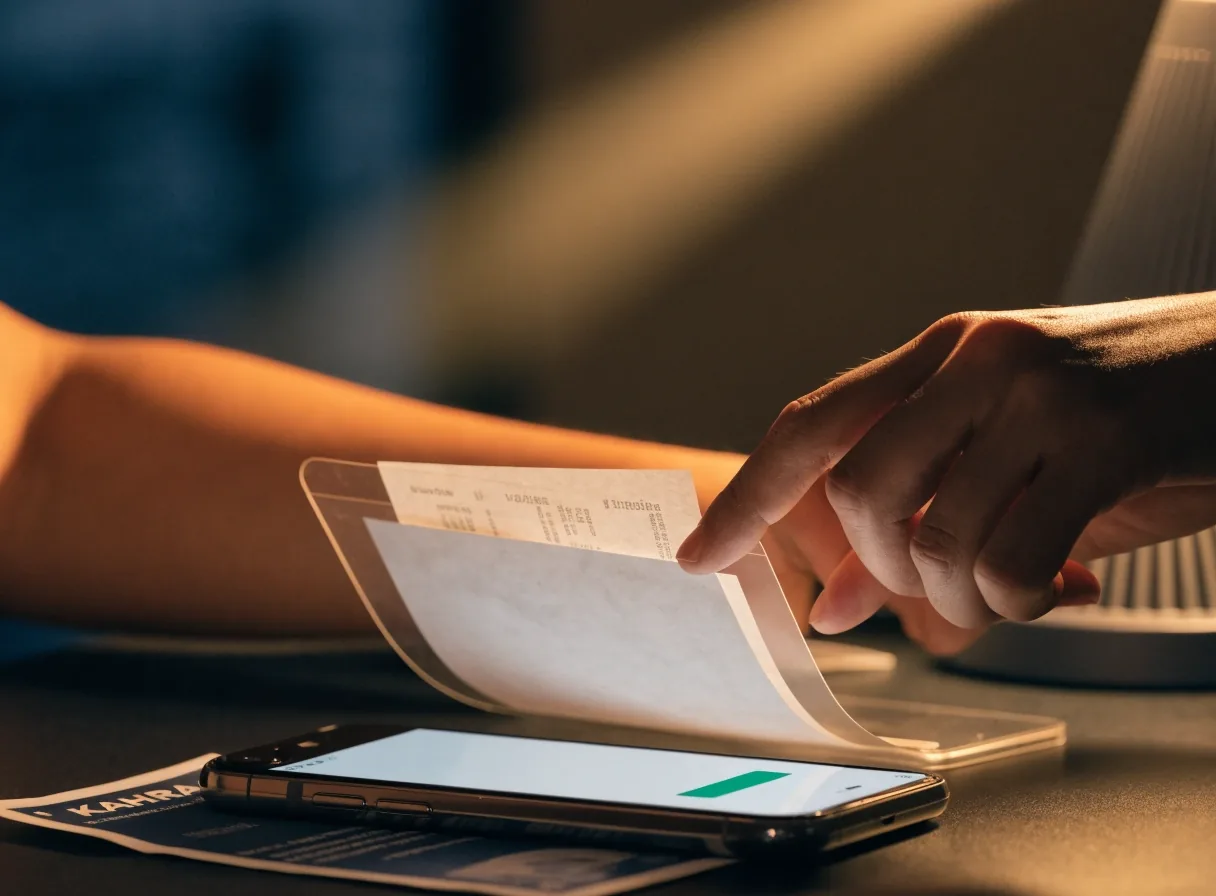
If you are paying from a laptop while the bill sits in another room, take a phone photo of the bill first. The photo sits open next to you the whole time and removes the small hesitation that costs a second attempt.
Step 02 — open the official bill view
Use the official KAHRAMAA e-service for the bill view — not a search result ad, not a third-party shortcut. Enter the electricity number (or the reference number, depending on which the page asks for first) and submit.
Before you act on anything it shows, confirm two things on the screen: the account name matches the person or family on the tenancy, and the sector type matches the premises. If the name reads differently, stop and re-check the numbers — do not proceed on a mismatch.
Once those match, open the bill summary. You should see three things at minimum: the outstanding amount, the due date, and a breakdown split between electricity and water. If the page reports no due bill, two explanations are common — nothing is currently due, or the number went in with a typo. Try the number once more carefully before assuming the account is clear.
If the outstanding amount looks higher than last month, keep reading before you pay — the next section explains what the figure is made of.
Step 03 — review before you pay
The outstanding amount is the total still unpaid on the account, not just this cycle. It can carry a current bill plus any earlier balance carried forward from a previous month — which is the usual reason a figure looks larger than expected.
The due date is the day the amount should be settled. Paying a few days early is the safe habit: it gives the status time to update on the bill view and on the account, so you are never arguing about a payment that arrived on the last hour of the last day.
Write both figures down before you move to payment — the amount, to the dirham, and the due date. When the confirmation screen comes up, you will be comparing against what you wrote, not against memory.
The two figures to hold
Outstanding amount
The total, in QAR
Read it as the sum of what is still unpaid, not the sum of what you consumed this month.
Due date
Days, not weeks
Paying early gives the online status time to reflect the transaction before the cycle closes.
Breakdown
Electricity · Water
The bill view splits consumption between electricity and water — useful when one side of the figure looks unusual.
Step 04 — the payment channel
Online and mobile flows commonly accept the card rails below. Use a card that is enabled for online use in Qatar and has a sufficient limit — a declined card mid-flow is the most common reason a bill payment needs to be started over. Have your bank's SMS verification to hand.
Accepted in online bill and mobile flows. Confirm the card is enabled for internet transactions before you start, and that the limit clears the outstanding amount.
The Qatari national debit rail. Debit is common because it takes the amount from the current balance rather than from credit headroom.
Shown on the KAHRAMAA mobile payment page. Credit and debit can both be attached. Fast to confirm — no card entry, but you still save the receipt afterwards.
For a physical rail at a bank branch or service kiosk, keep the reference number written down — the machine asks for it before it takes cash or a card.
Step 04b — submitting the payment
Card details go in once, carefully. Re-check that the amount on the confirmation step matches the outstanding amount you wrote down. Then submit a single time.
A double click is the small mistake that creates a duplicate attempt — the confirmation page appears twice, or the payment rails briefly show two pending charges. Wait for the confirmation screen and the paid bill receipt with its transaction or receipt number before you touch the button again.
Save the receipt as a PDF or a screenshot and keep it until the next bill cycle shows a clear balance. Once you have it, do not start the flow again on a different device mid-payment — that is how a payment gets flagged as unfinished and a customer ends up on the phone to support.
Step 05 — proof of payment
A paid bill receipt is your proof if the online status lags. Online bill views update on their own schedule, and a payment made late in the day sometimes takes a full cycle to disappear from the outstanding amount.
Keep four things from the receipt in one place: the receipt or transaction number, the date, the amount you paid, and the last four digits of the electricity number and reference number you paid against. Together, those four are enough for support to trace the payment without asking you to remember anything.
Check the bill view again after a reasonable interval — a week is generous for a payment through the standard online rail. If the outstanding amount has not moved by then, you will need that receipt when you ask for help.
One-off or monthly
Registration is the most frequent question from visitors paying a bill for the first time. Two paths are open, and they take different kinds of effort.
One-time
The public bill and payment flows accept your electricity number and reference number without a sign-up. This is the shorter path — good when you are paying for a property you do not manage month to month, or settling a single bill from a previous tenancy.
What it does not do: it stores nothing. Next month you will retype the same numbers, so keep them somewhere you can find them quickly.
Registered
A registered account keeps your numbers on file, so a monthly check is one tap rather than a typing exercise. QID together with your Kahramaa number helps confirm the right customer account during the registration and access steps.
The trade-off is that registration is a one-time set-up and running it is more steps today to save a routine tomorrow. If you pay for a home you own and check the bill every month, the registered path repays the effort quickly.
When a figure does not fit
A high outstanding amount is not automatically an error, and the fastest way to find out is to compare against your own history rather than against a neighbour's bill.
Before the last two cycles
Put the last two months of consumption next to this one. A cooling load that jumped in the summer months — air conditioning running longer, a fan brought in late — shows as a normal rise, not a billing issue. Water side can move separately if a leak or a running tap went uncaught.
Carried-forward balance
A previous unpaid or partially paid month folds into this cycle's outstanding amount. If a chain of months reads clean and this one does not, check whether a small amount from earlier was left unpaid.
Re-check the numbers
Confirm the electricity number and the sector type once more. A commercial sector accidentally selected on a residential yard will show figures that make no sense.
Then raise it properly
If the figures still do not align, hold the receipt from any payment already made and raise the question through the official support channels. Bring the electricity number, the reference number, the sector and the two comparison months — that is the shortest path to an answer.
After you pay
Put the next meter cycle in your calendar the day you pay, not the day the next bill arrives. A reminder a few days before the due date gives you room to check the bill view and pay early enough for the status to update.
Keep the electricity number and reference number in one safe place — a note in your phone, a label inside the utility drawer, whatever you will find without a search. Numbers you know by heart are a habit that breaks the moment a bill needs paying from a new device.
Next month, if you use the KAHRAMAA app, QR scanning will be faster because the flow you just walked is already familiar. If you would rather stay on the web or the self-service machine, both remain open — the numbers you saved work on every channel.
Questions a visitor asks
Enter your electricity or reference number in the official bill view, confirm the account name and sector type, then review the outstanding amount and due date before paying. If the page shows nothing due, re-enter the number carefully once before assuming the account is clear.
Save the paid bill receipt with the receipt number, date, and amount until the account shows no unexpected balance. Online bill views update on their own schedule, so the receipt is what lets support trace a payment if the status lags.
No. One-time bill payment with the electricity number and reference number and a card is available in the public flows. A registered account stores your numbers for faster monthly checks, and the QID path helps confirm the correct customer account during access.
If it still does not line up
A payment that does not clear, an account name that does not match, or a figure that will not reconcile — bring the numbers and the receipt, and the guide's troubleshooting page walks through what to check in order before escalating.